
Hermes Agent in one paragraph
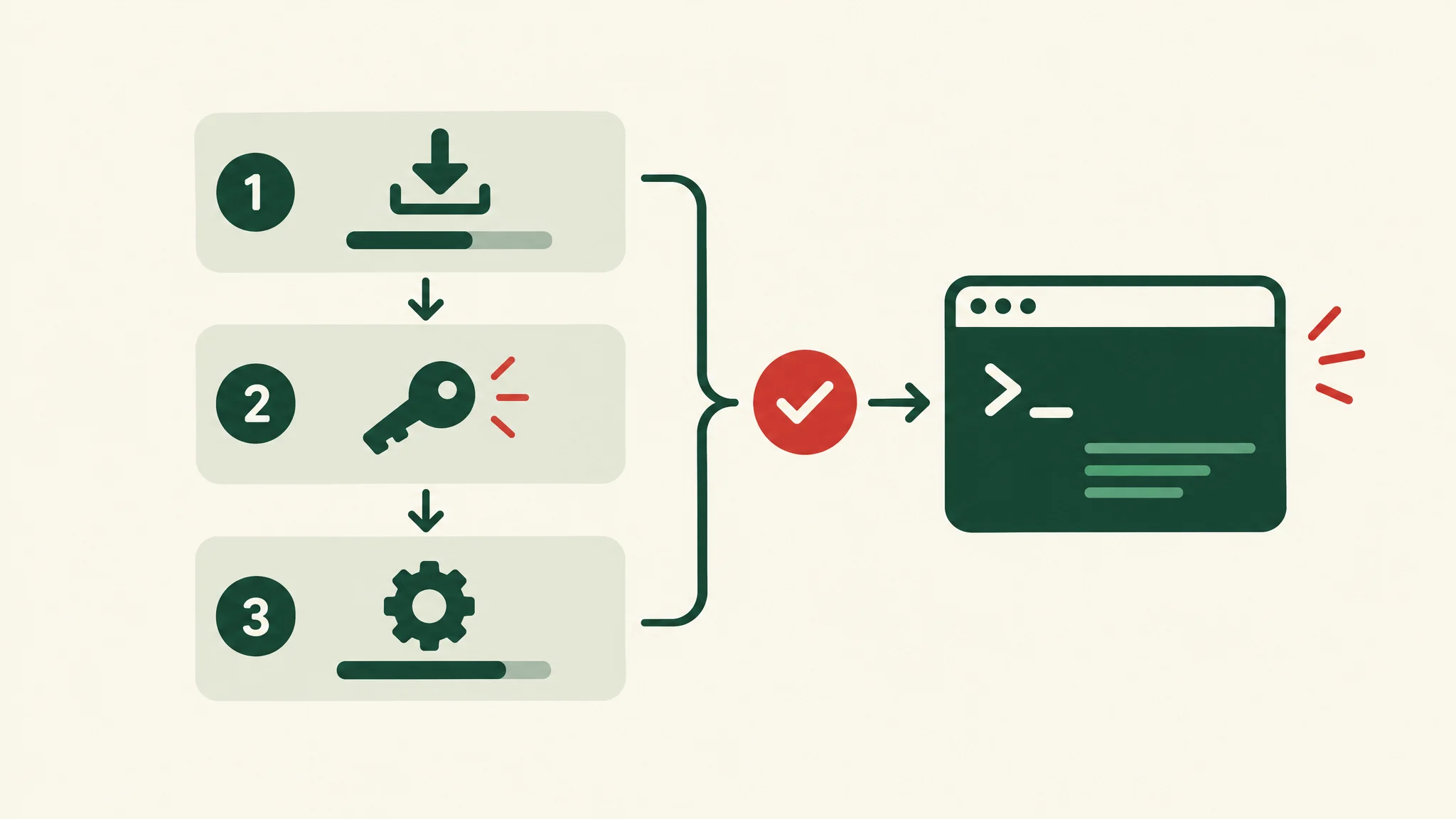
Hermes Agent is an open-source AI agent built by Nous Research and released under the MIT license. You install it on a computer or server, choose a model provider, and talk to it from a terminal, a desktop app, or a messaging platform such as Slack, Telegram, or Discord. It can run commands, read and edit files, search the web, run scheduled jobs, and keep notes between sessions. Nous Research describes it as "the agent that grows with you", because it writes reusable skills from its own work and searches its past conversations.
The source code is on GitHub, and the official documentation covers installation, configuration, and every feature in this guide.
Hermes Agent is not the Hermes model
Nous Research also trains a family of language models called Hermes, such as Hermes-4-70B and Hermes-4-405B. Hermes Agent is the software that runs the agent loop. The models are one option it can use, but the Nous Portal documentation says the Hermes 4 models are tuned for chat and reasoning and are not recommended inside the agent. Most people run Hermes Agent with a different model.
What Hermes Agent can do
According to the project README and documentation, Hermes Agent can:
- Use a terminal. It runs commands and reads or edits files in the folder where you start it.
- Use tools. The documentation lists more than 60 built-in tools, including web search, browser control, image generation, and code execution. You switch them on or off per platform with
hermes tools. - Remember between sessions. It keeps two short memory files and can search every past session.
- Write and reuse skills. A skill is a written procedure for a repeated task. The agent can create one after a complex task and improve it later.
- Run scheduled jobs. A built-in scheduler accepts plain language, such as "every 2h", and delivers the results to a chat or a file.
- Work in chat apps. One gateway process connects it to more than 20 platforms, including Slack, Telegram, Discord, WhatsApp, Signal, Microsoft Teams, Google Chat, and email.
- Delegate. It can start isolated subagents for parallel work.
- Connect to MCP servers. It can use tools from any Model Context Protocol server you configure.
How memory works
Hermes keeps memory deliberately small. The memory documentation describes two files in ~/.hermes/memories/:
| File | What it holds | Limit |
|---|---|---|
MEMORY.md |
The agent's notes about your environment, conventions, and lessons learned | 2,200 characters |
USER.md |
Your preferences and communication style | 1,375 characters |
Both files load into the prompt when a session starts and stay fixed for that session. A fact saved today appears in the next session, not the current one. Older detail lives in a searchable session history, which the agent queries with a session_search tool.
Two practical points follow from this design. First, start a new session with /new at natural breaks, so the agent picks up its updated notes. Second, an agent that says "I'll remember that" has only saved it if it called the memory tool. The documentation suggests checking the file when in doubt, and notes that small local models often skip the tool call.
How skills work
A skill is a SKILL.md file with a name, a description, and a step-by-step procedure. The agent reads the short descriptions and loads the full skill only when a task matches. Skills follow the agentskills.io open standard, so they can move between compatible agents.
Hermes ships with a catalog of bundled skills. You can install more from the Skills Hub with hermes skills install, which runs a security scan first. Every installed skill becomes a slash command, so /github-pr-workflow loads that procedure directly. The agent can edit or delete any skill, so review the ones your team depends on.
Where it runs
Hermes runs on macOS (Apple Silicon), Windows 10 and 11, Linux, WSL2, and in Docker, according to the platform support page. Its commands can run in one of seven terminal backends: local, Docker, SSH, Daytona, Singularity, Modal, and Vercel Sandbox. The README says it can run on a small virtual server, and the Daytona and Modal backends can sleep when idle.
The separation matters. The agent can live on a cloud server while you talk to it from your phone in Telegram or Slack. For anything beyond a trial, run its commands in Docker or on a remote server, so a wrong command cannot damage your own machine.
Which model it uses
You choose the model. Run hermes model to pick from providers including Nous Portal, OpenRouter, OpenAI, Anthropic, Google, AWS Bedrock, and DeepSeek, or point it at any OpenAI-compatible endpoint. You can switch at any time without changing code.
The one hard requirement is context length. Hermes needs a model with at least 64,000 tokens of context and rejects smaller models at startup. Local models work through Ollama, LM Studio, or vLLM, but the Ollama guide notes that Ollama defaults to a 2,048-token context, so you must raise it, and that the model must support tool calling to take actions.
What it costs
The software is free under the MIT license. You pay for what it uses:
- Model usage. Your own API key bills at the provider's rates. A local model costs only your hardware.
- Nous Portal (optional). Nous Research's subscription bundles hundreds of models with hosted tools such as web search, image generation, and a cloud browser. A September 2026 pricing review by AI//COST lists a free tier plus paid plans at $20, $100, and $200 a month. Check the Portal for current prices.
- Hosting. A server for an always-on agent, if you do not run it on your own machine.
How Hermes handles risky actions
The security documentation describes several layers:
- Allowlists decide who can talk to the agent on each messaging platform.
- Command approval checks commands against a list of dangerous patterns. In the default "smart" mode, a second model approves low-risk commands, denies clearly dangerous ones, and asks you about the rest. "Manual" mode always asks.
- A hardline blocklist refuses a small set of catastrophic commands, such as wiping the root filesystem, even when approvals are switched off.
- Container isolation keeps commands inside Docker or another sandbox backend.
Scheduled jobs deny risky commands by default, because nobody is there to approve them. Treat these controls as a starting point. A company deployment still needs decisions about access, data, and who approves what. Our guide to human-controlled AI workflows covers those decisions.
Who it suits
Hermes Agent suits people who are comfortable in a terminal and teams that want an agent on infrastructure they control, with the model of their choice. It suits less well a team that wants a finished product with no setup, or one that cannot assign someone to maintain the server, credentials, and updates.
For a company team, the software is the smaller part of the work. Agree the task, the channels and tools the agent may use, the approval rules, and an owner before you roll it out. If you want help with that, see our Slack AI agents service.